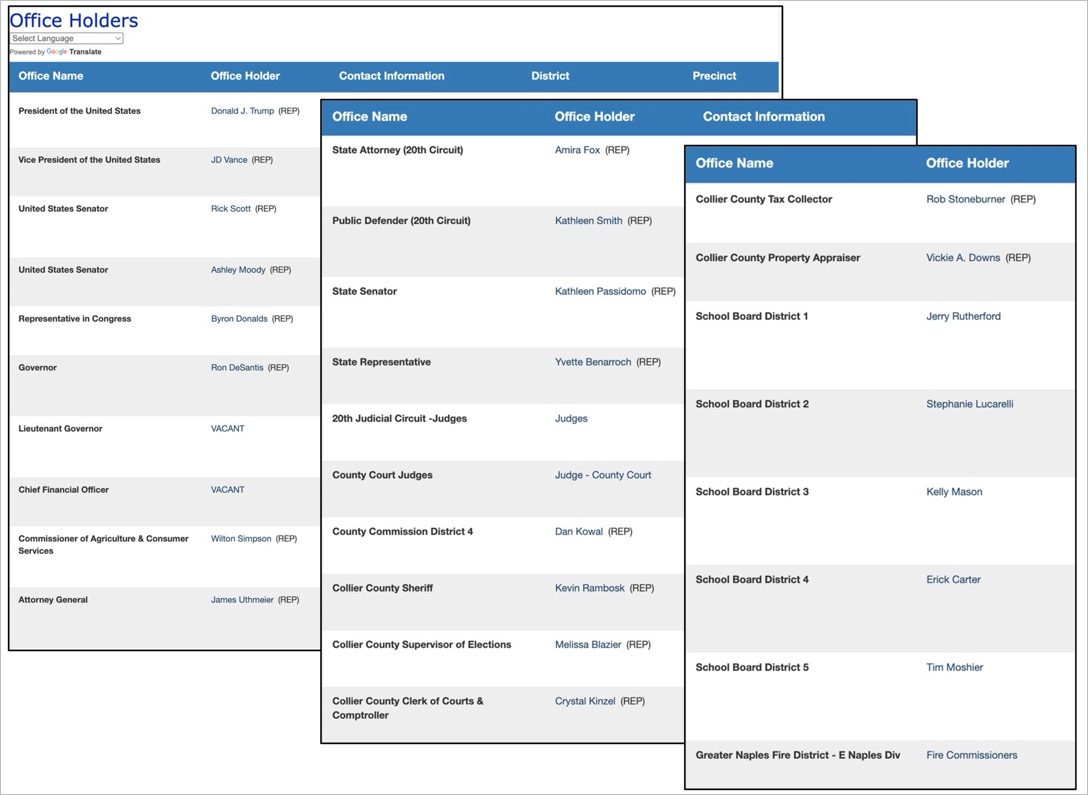
Many Florida Supervisors of Elections’ websites provide one-stop access to a list of every one of your elected officials, from the President of the United States to your local fire commissioners. But you have to know where to look.
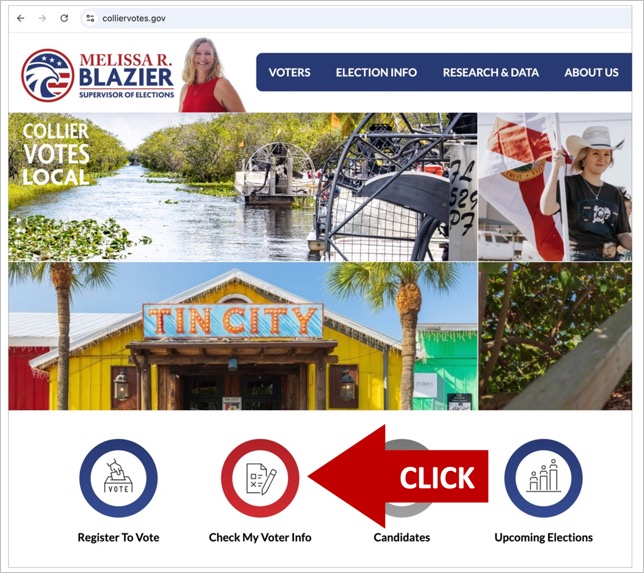
Here’s how it works on the Collier County Supervisor of Elections website, www.colliervotes.gov. Begin by clicking the box labeled “Check My Voter Info.”
On the page that opens, enter your first name, last name, and date of birth. Check that you understand the legalities, check “I’m not a robot,” and follow the prompts, then click “Submit.” The information you submit will then be compared to the official voter registration database.

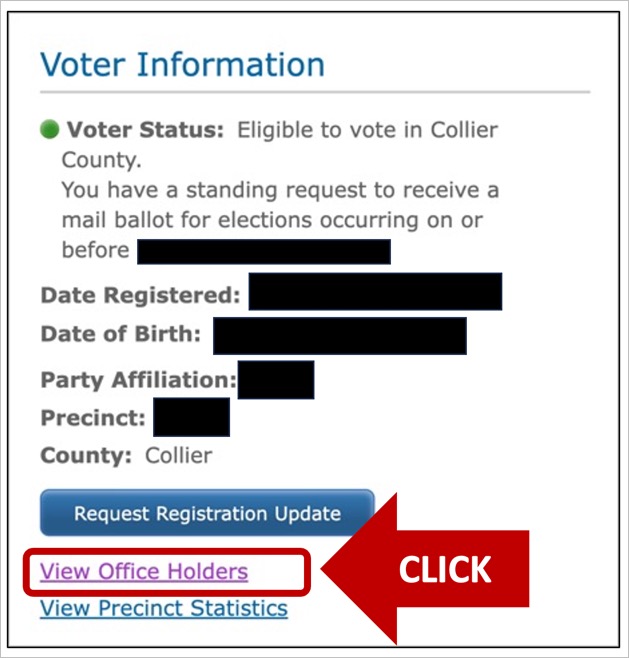
Below is a portion of the page that will open next. Click where it says “View Office Holders.”
A page will then open listing each of your elected representatives, from the President of the United States all the way down (scroll the page) to your fire district.